BlogNovember 16, 20264 min read
The MFA Level-Up: Why SMS Authentication Is No Longer Secure
Discover why SMS authentication is no longer secure and how upgrading your MFA strategy can protect your business from modern threats. Learn about MFA today.
Multi-factor authentication (MFA) has long been a top way to protect accounts and devices. That’s still true, but how you set up MFA is now even more important.
The most common MFA method today is SMS-based verification, where you receive a code on your phone. It’s familiar, quick, and safer than passwords alone. But SMS was not designed for security, and attackers have learned how to exploit its flaws.
If your organization handles sensitive data, customer information, or financial systems, text-message codes are no longer enough. Modern threats call for stronger, phishing-resistant MFA methods that attackers can’t intercept, reuse, or trick.
Why SMS-Based MFA Is Falling Behind
Text messages travel through cellular networks built decades ago, before current security threats existed. These networks use signaling protocols like SS7, which have known weaknesses.
Attackers can abuse these weaknesses to:
- Intercept text messages
- Redirect MFA codes
- Inject messages without ever touching the victim’s phone
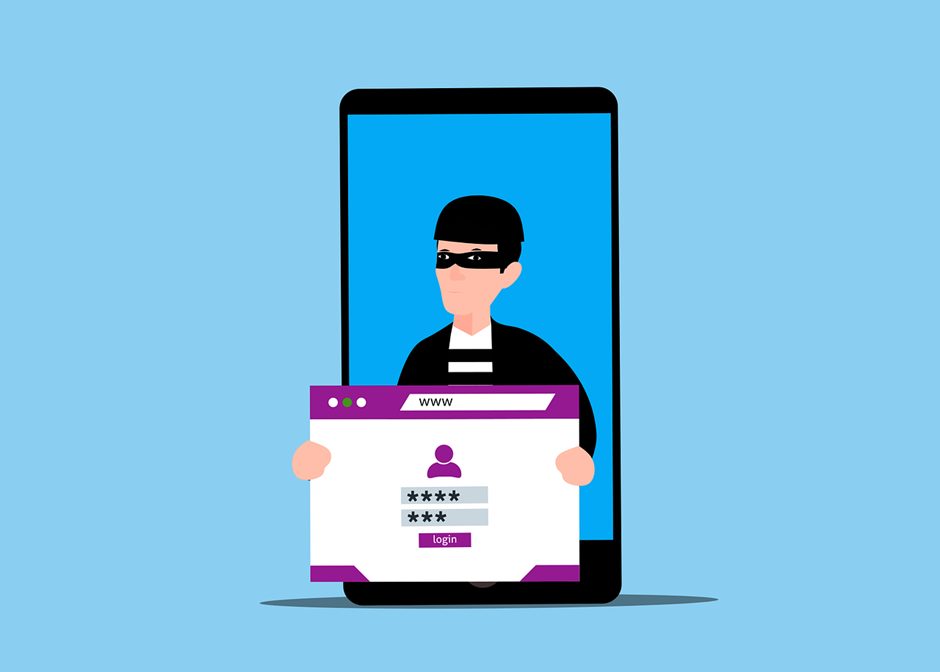
Attackers can also bypass SMS-based MFA with phishing. If someone enters their password and code on a fake login page, attackers can steal both and log in immediately.
At that stage, MFA offers little protection.
Understanding SIM Swap Attacks
One of the most damaging attacks against SMS MFA is SIM swapping.
In this attack, a criminal calls the mobile carrier and pretends to be the victim. They claim their phone was lost or damaged and persuade support staff to transfer the number to a SIM card they control.
Once the transfer is complete:
- The victim’s phone loses service
- The attacker receives all calls and texts
- MFA codes, password resets, and alerts go straight to the attacker
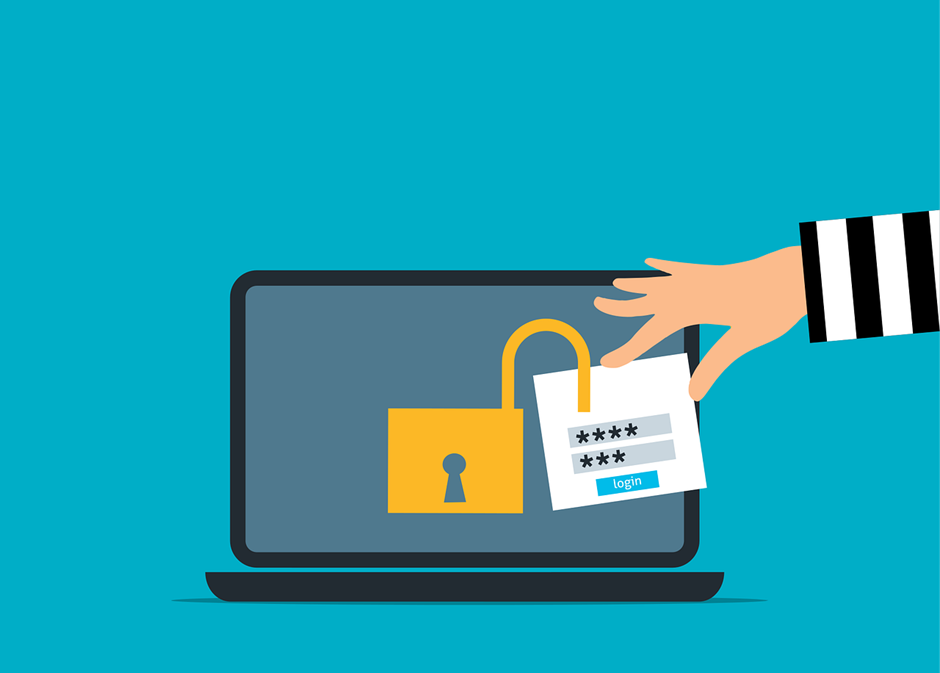
This attack doesn’t need advanced hacking skills—just social engineering and persistence. Once they have the number, attackers can access email, banking, and cloud accounts in minutes.
Why Phishing-Resistant MFA Is the New Standard
To stop these attacks, authentication needs to move away from shared secrets and human-dependent workflows. That’s where phishing-resistant MFA comes in.
These methods use cryptography to tie authentication to a specific website or service, making stolen codes useless. FIDO2 is one of the main standards for this.
FIDO2 uses public-key cryptography to create credentials that:
- Are tied to a specific domain
- Never leave the user’s device
- Cannot be reused on fake websites
Even if someone clicks a phishing link, authentication will not work because the website does not match. Attackers have nothing to steal.
Hardware Security Keys: One of the Strongest Options
Physical security keys are some of the most secure MFA options. These small devices, often USB or NFC-based, perform cryptographic checks when you log in.
You don’t have to type in codes, and nothing can be intercepted remotely. Authentication only works when the key is physically present and activated by the user.
Unless someone steals the key itself, they can’t access the account. This makes hardware keys especially helpful for administrators, executives, and people in high-risk roles.
Authenticator Apps Done the Right Way
If hardware keys aren’t practical, mobile authenticator apps are a big step up from SMS.
Apps like Microsoft Authenticatorhttps://www.ayvant.com/post/7-pro-tips-for-microsoft-365 and Google Authenticator generate codes right on your device. Nothing goes over the cellular network, so SIM swap and SMS interception risks are eliminated.
Basic push notifications can still be abused through “MFA fatigue,” where users approve requests just to stop repeated prompts. Modern apps address this with number matching, requiring users to confirm a specific number shown on the login screen—proving they initiated the request.
Passkeys: Where Authentication Is Headed
Passwords are often leaked, reused, or stolen through phishing. Passkeys are designed to replace passwords entirely.
A passkey is a cryptographic credential stored on a trusted device and unlocked with biometrics like Face ID or a fingerprint. They’re resistant to phishing and work across ecosystems such as iCloud Keychain and Google Password Manager.
Passkeys provide strong security and a smoother user experience. They also cut down on IT support needs since there are no passwords to reset or manage.
Balancing Strong Security With Usability
Switching from SMS MFA can feel uncomfortable at first. Since text messages are common, some users may resist any change.
Good communication is essential. When people understand how SIM swapping and phishing work and what is at risk, they are much more willing to use stronger protections.
A phased rollout often works best:
- Start with privileged and admin accounts
- Expand to finance, HR, and executive roles
- Gradually move the broader workforce
High-risk users should no longer use SMS MFA.
Stronger Identity Security Starts with Ayvant IT
Passwords and text-message codes are no longer enough to protect today’s businesses. Ayvant IT helps organizations move beyond outdated SMS-based MFA to modern, phishing-resistant authentication that actually stops real-world attacks. From hardware security keys and secure authenticator apps to passkeys and FIDO2-based solutions, we design MFA strategies that balance strong security with a smooth user experience. Don’t wait for a SIM-swap or phishing attack to expose the gaps in your defenses—contact Ayvant IT today to schedule a free consultation and upgrade your MFA strategy with confidence.
Questions about your own setup?
+1 (949) 649-4114